MakeIT with Digital Cutters @ Tampines Library | MakeIT
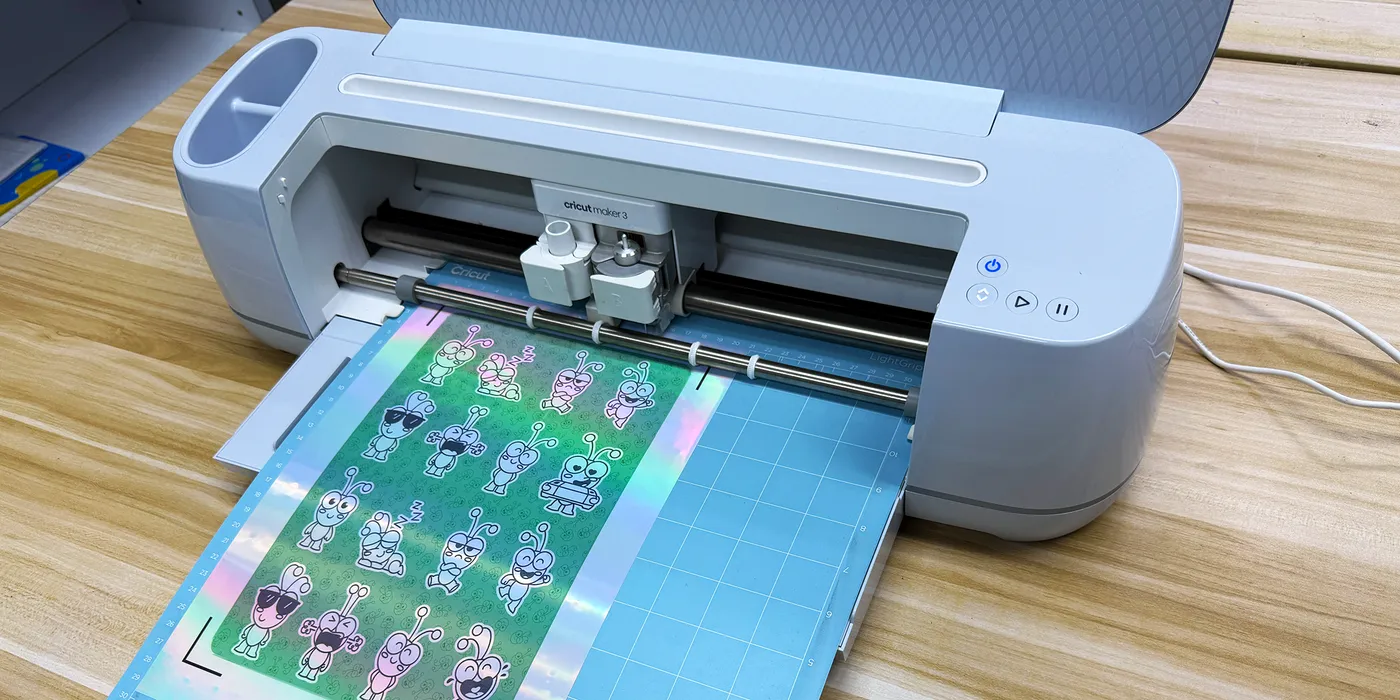
About the Event Make some stickers from scratch at MakeIT with our Cricut digital cutting machines*. Cricut tools are versatile machines that can cut a number of materials, such as paper, vinyl, and sticker paper. *A Digital Cutting Machine is a printer-like machine that can ma
时间: 12月5日 周六 · 15:00
地点: Tampines Library - MakeIT (Level 4)
免费
About the Event Make some stickers from scratch at MakeIT with our Cricut digital cutting machines*. Cricut tools are versatile machines that can cut a number of materials, such as paper, vinyl, and sticker paper. *A Digital Cutting Machine is a printer-like machine that can make precise cut-outs on a variety of sheet material. At MakeIT, we use the Cricut Maker 3, which is a Digital Cutting Machine that is safe and easy to use. This workshop will teach you how to: Use different types of materials and mounting methods when using a digital cutter. Create an account for Cricut's Design Space software and learn its basic features. Print and cut a basic sticker template using simple sticker vinyl. Use Cricut's design tools to modify and customize a simple sticker design. After completing this programme, you're welcome to book the Cricut equipment at MakeIT at Libraries. A public tinkering session will be held right after the programme ends, so you can keep creating! This programme is suitable for participants aged 13 and above. Registration and Attendance Registration is required for this programme. Please register one ticket per person. Attendance will be taken using the NLB Mobile app. Please download the app (https://go.gov.sg/nlbmobile-attendance) or update it to the latest version. Then, scan the QR code at the venue to take your attendance upon entry. Please arrive 10 minutes before the session starts. Seats may be released to walk-in participants if you arrive late. Please note that you will need to scan a QR code to check yourself in for the programme. To facilitate this process, you are required to update your NLB Mobile app to the latest version and ensure you are logged in with your myLibrary username. For participants attending the session with their child, you are encouraged to log into your child's profile on the app before attending the programme to expedite the check-in process. Photography and Videography Notice Please note that photos and/or videos of this programme and its participants may be taken. By participating in this programme, you agree that NLB may take photographs and/or videos of you (or your child as applicable) and use the images and/or videos including to archive, exhibit and publish them for publicity or any other NLB purposes. Wheelchair-friendly Routes and Social Stories To access our wheelchair friendly routes (bus and MRT) and social stories, please visit https://go.gov.sg/wheelchair-friendly-routes-social-stories and select the respective library to access the information.
打开 cancan App 找同去的人